
Instagram Fonts — Copy and Paste Fonts for Your Bio and Name
Instagram fonts are Unicode letter styles — bold 𝐛𝐨𝐥𝐝, cursive 𝓬𝓾𝓻𝓼𝓲𝓿𝓮, small caps ꜱᴍᴀʟʟ ᴄᴀᴘꜱ — that you copy and paste into your Instagram bio, name or captions, because the app has no font menu of its own. Type below and NickFUN turns your text into 27 styles at once.
- Bold 1 font 𝐲𝐨𝐮𝐫 𝐧𝐚𝐦𝐞 𝐡𝐞𝐫𝐞
- Italic 1 font 𝑦𝑜𝑢𝑟 𝑛𝑎𝑚𝑒 ℎ𝑒𝑟𝑒
- Bold italic 1 font 𝒚𝒐𝒖𝒓 𝒏𝒂𝒎𝒆 𝒉𝒆𝒓𝒆
- Cursive script 1 font 𝓎ℴ𝓊𝓇 𝓃𝒶𝓂ℯ 𝒽ℯ𝓇ℯ
- Bold cursive 1 font 𝔂𝓸𝓾𝓻 𝓷𝓪𝓶𝓮 𝓱𝓮𝓻𝓮
- Gothic (Fraktur) 1 font 𝔶𝔬𝔲𝔯 𝔫𝔞𝔪𝔢 𝔥𝔢𝔯𝔢
- Bold gothic 1 font 𝖞𝖔𝖚𝖗 𝖓𝖆𝖒𝖊 𝖍𝖊𝖗𝖊
- Double-struck (outline) 3 fonts 𝕪𝕠𝕦𝕣 𝕟𝕒𝕞𝕖 𝕙𝕖𝕣𝕖
- Sans 3 fonts 𝗒𝗈𝗎𝗋 𝗇𝖺𝗆𝖾 𝗁𝖾𝗋𝖾
- Sans bold 3 fonts 𝘆𝗼𝘂𝗿 𝗻𝗮𝗺𝗲 𝗵𝗲𝗿𝗲
- Sans italic 3 fonts 𝘺𝘰𝘶𝘳 𝘯𝘢𝘮𝘦 𝘩𝘦𝘳𝘦
- Sans bold italic 3 fonts 𝙮𝙤𝙪𝙧 𝙣𝙖𝙢𝙚 𝙝𝙚𝙧𝙚
- Monospace 2 fonts 𝚢𝚘𝚞𝚛 𝚗𝚊𝚖𝚎 𝚑𝚎𝚛𝚎
- Wide (fullwidth) 36 fonts your name here
- Bubble 44 fonts ⓨⓞⓤⓡ ⓝⓐⓜⓔ ⓗⓔⓡⓔ
- Black bubble 43 fonts 🅨🅞🅤🅡 🅝🅐🅜🅔 🅗🅔🅡🅔
- Squares 43 fonts 🅈🄾🅄🅁 🄽🄰🄼🄴 🄷🄴🅁🄴
- Black squares 43 fonts 🆈🅾🆄🆁 🅽🅰🅼🅴 🅷🅴🆁🅴
- Parenthesized 43 fonts ⒴⒪⒰⒭ ⒩⒜⒨⒠ ⒣⒠⒭⒠
- Small caps 101 fonts ʏᴏᴜʀ ɴᴀᴍᴇ ʜᴇʀᴇ
- Tiny (superscript) 109 fonts ʸᵒᵘʳ ⁿᵃᵐᵉ ʰᵉʳᵉ
- Upside down 110 fonts ǝɹǝɥ ǝɯɐu ɹnoʎ
- Greek look-alike 165 fonts ყσυɾ ɳαɱҽ ԋҽɾҽ
- Strikethrough 184 fonts y̶o̶u̶r̶ n̶a̶m̶e̶ h̶e̶r̶e̶
- Underline 184 fonts y̲o̲u̲r̲ n̲a̲m̲e̲ h̲e̲r̲e̲
- Slashed 184 fonts y̸o̸u̸r̸ n̸a̸m̸e̸ h̸e̸r̸e̸
- Spaced out 184 fonts y o u r n a m e h e r e
Tap Copy next to the style you like, open Instagram, go to Edit profile and paste it into Name or Bio. The small grey number next to each style is how many font files on our test machine can draw it (measured September 2026) — the higher it is, the fewer people will see empty boxes instead of your letters.
Which Instagram fonts work in your bio, name and captions
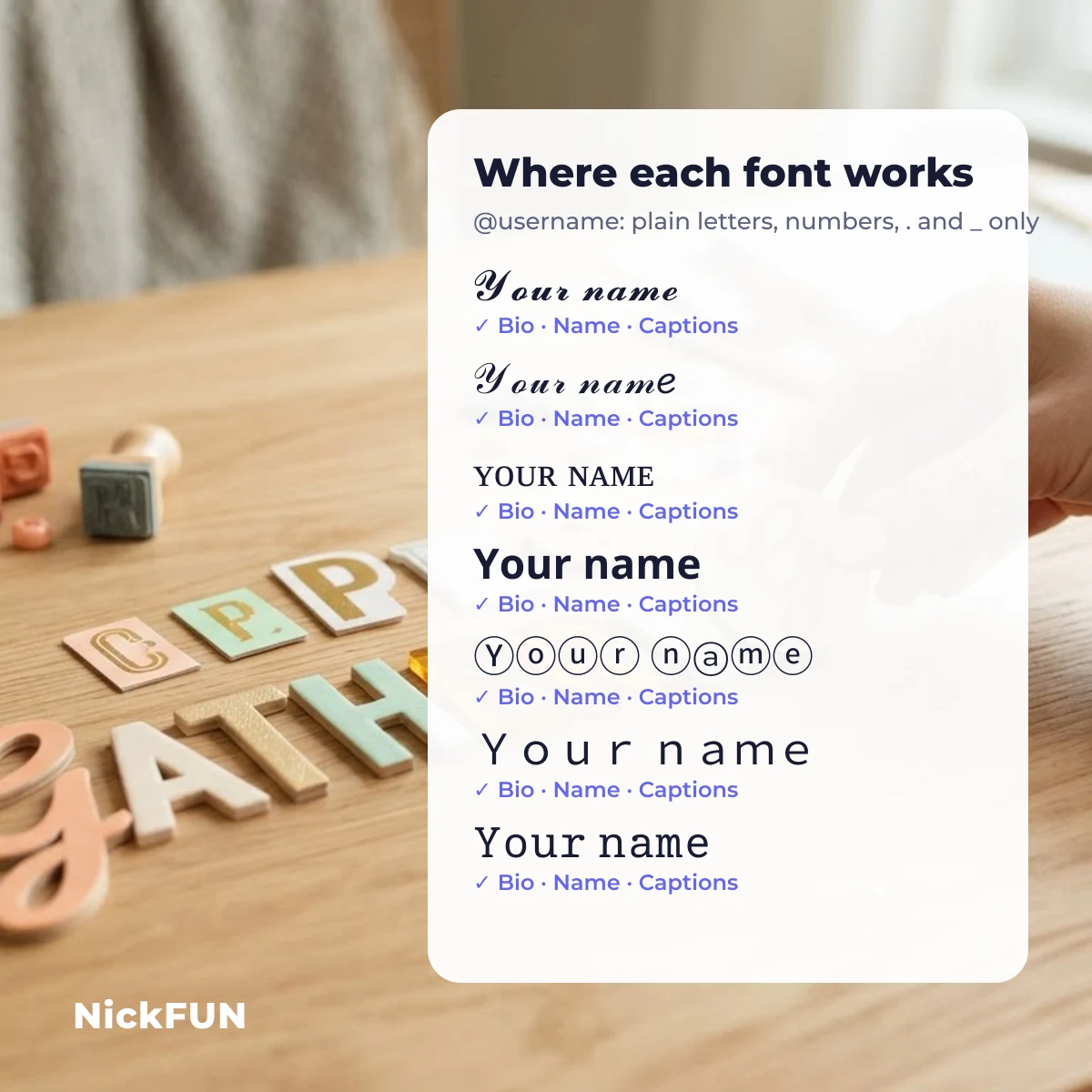
Convert text to fancy fonts once and it works almost everywhere on Instagram except one field: the @username. Instagram usernames only accept letters, numbers, full stops and underscores, so no font generator can style them. Your display name, bio, captions, comments and story text all accept Unicode, so every style below pastes there.
| Style | Bio & captions | Name field | @username | Fonts that draw it* | Shows for most people? |
|---|---|---|---|---|---|
| Small caps ɪɴꜱᴛᴀ | Yes | Yes | No | 101 | Very safe |
| Tiny ᴵⁿˢᵗᵃ | Yes | Yes | No | 109 | Very safe |
| Upside down ɐʇsuI | Yes | Yes | No | 110 | Very safe |
| Greek look-alike Ιɳʂƚα | Yes | Yes | No | 165 | Very safe |
| Bubble Ⓘⓝⓢⓣⓐ | Yes | Yes | No | 44 | Mostly safe |
| Squares 🄸🄽🅂🅃🄰 | Yes | Yes | No | 43 | Mostly safe |
| Wide Insta | Yes | Yes | No | 36 | Mostly safe |
| Outline 𝕀𝕟𝕤𝕥𝕒 | Yes | Yes | No | 3 | Newer phones only |
| Sans bold 𝗜𝗻𝘀𝘁𝗮 | Yes | Yes | No | 3 | Newer phones only |
| Monospace 𝙸𝚗𝚜𝚝𝚊 | Yes | Yes | No | 2 | Newer phones only |
| Bold 𝐈𝐧𝐬𝐭𝐚 | Yes | Yes | No | 1 | Newer phones only |
| Italic 𝐼𝑛𝑠𝑡𝑎 | Yes | Yes | No | 1 | Newer phones only |
| Cursive ℐ𝓃𝓈𝓉𝒶 | Yes | Yes | No | 1 | Newer phones only |
| Gothic ℑ𝔫𝔰𝔱𝔞 | Yes | Yes | No | 1 | Newer phones only |
*Measured by The NickFUN Team in September 2026: the number of font files, out of 2,211 on our test machine, that contain the style’s letters. Plain Latin “A” is in 184 of them. “Yes/No” for each field follows Instagram’s own rule that only the username is restricted; checked on 30 September 2026.
Copy fancy fonts for your Instagram bio
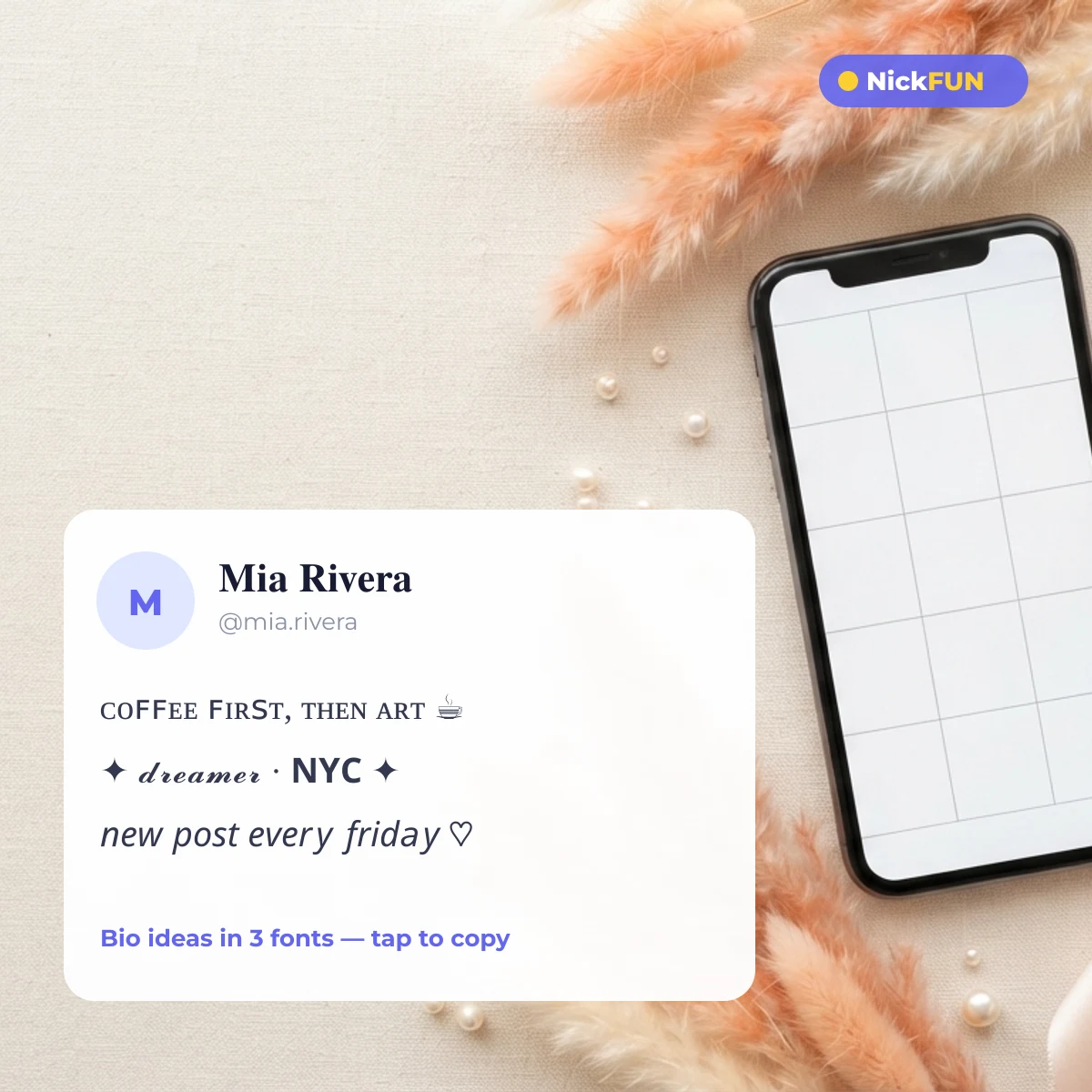
A bio has 150 characters, so the best Instagram bio fonts are the ones that stay readable at a glance. Tap any line to copy it, then swap in your own words with the converter above.
Instagram name ideas in different fonts
Your Instagram name (not the username) is the bold line people see first, and it is also searchable, so keep the real word readable and let the frame carry the style. Here are 20 names built with different fonts and frames — copy one to see how it sits on your profile, or type your own name in the converter.
Symbols, emoji and kaomoji for your Instagram bio
Fonts change the letters; symbols decorate around them. These are small, bio-friendly pieces sorted by type — tap to copy, then paste between lines or at the end of your name.
Symbols and sparkles
Aesthetic dividers and combos
Emoji combos
Kaomoji faces
Stylish username fonts for social profiles
Stylish username fonts only work where a platform stores a display name, not a handle. On Instagram and TikTok the @handle is limited to plain letters, numbers, full stops and underscores, while the name shown above your bio takes any style from the converter. The same split applies on most social profiles, so the practical rule is simple: keep the handle plain and searchable, style the display name.
| Profile field | Takes fancy fonts? | What to put there |
|---|---|---|
| Instagram name | Yes | Your styled name, e.g. 𝓜𝓲𝓪 |
| Instagram @username | No | mia.rivera |
| TikTok display name | Yes | A short styled name, e.g. ᴍɪᴀ |
| TikTok @username | No | mia_rivera |
| Bio on both apps | Yes | Styled lines and symbols |
Why some Instagram fonts show as boxes
An empty box means the phone reading your profile has no font that contains that character — your text is still correct, it just cannot be drawn on that screen. Cursive, bold and gothic styles come from a Unicode block meant for maths, which fewer fonts cover, so they are the first to break on older Android phones. We measured this style by style in our guide on why some fonts show as boxes; if your audience is wide, small caps and tiny text are the safest picks.
Add symbols around your Instagram name
Want frames like ꧁ ꧂ or ✦ around your name instead of new letters? The NickFUN name maker below wraps any name in symbol sets, and it is also where you can share your own idea — submitted nicknames are filtered and shown to the next person who searches that name.
Enter your nickname
Choose a style (optional)
Just added for —
Nicknames shared by other players
Add your own idea
Ideas are shown to everyone searching for this name.
Instagram fonts FAQ
How do I change the font on Instagram?
Instagram has no font setting for your profile. You change the look by pasting different characters: type your text in the converter above, copy the style you like and paste it into Edit profile → Name or Bio. Stories are different — the story editor has its own built-in fonts.
Can I use fancy fonts in my Instagram username?
No. Instagram usernames accept only letters, numbers, full stops and underscores. Fancy fonts work in your display name, bio, captions and comments.
Why does my Instagram font look like boxes or question marks to my friends?
Their phone has no font for those characters. The text is intact, but it cannot be drawn on that device. Switch to small caps ᴀʙᴄ or tiny text ᵃᵇᶜ, which far more fonts include.
Do fancy fonts count toward the 150-character bio limit?
Yes — every styled letter is still a character, and symbols count too. Wide text and spaced-out styles use the most room, so keep those for short lines.
Need more letter styles for other apps? The fancy text generator with more styles covers the full set, and every tool on NickFUN is free with no sign-up.